Your Amazon Images Might Be Costing You Sales
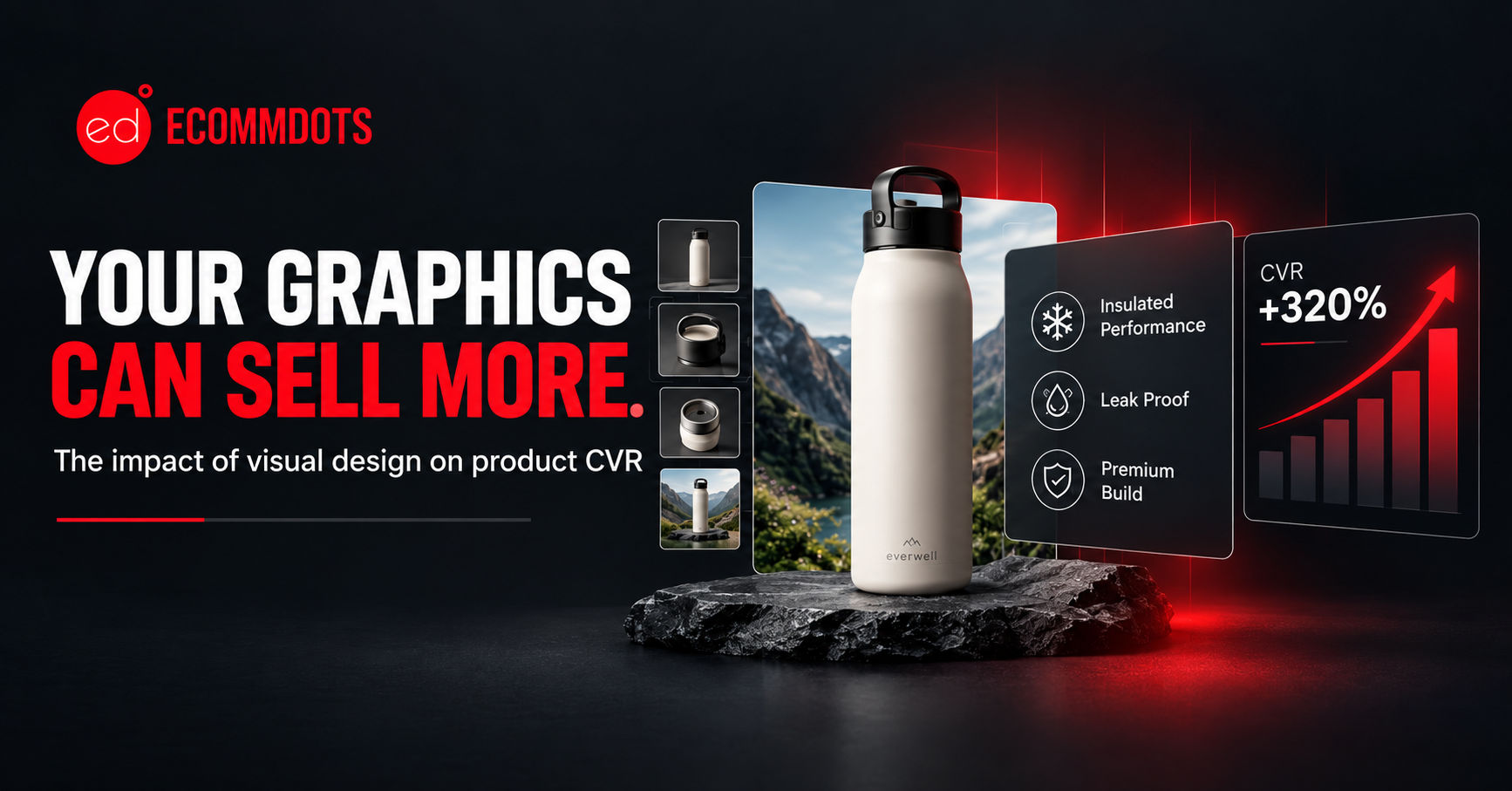
Your Amazon Photos Might Be Costing You Sales
Two listings with identical products, identical pricing, identical reviews can convert at wildly different rates. The difference is almost always the creative and creative on Amazon isn't just the main image anymore. It's the full stack: listing images, Brand Story, Premium A+ Content, your Storefront, and video, all working together.
Why Creative Is Your Highest-Leverage CVR Lever
Amazon shoppers don't read they scan images. By the time most customers reach your bullet points, they've already half-decided based on the main image and the first two secondary photos alone. That makes Amazon listing creative that converts the single fastest fix available to most sellers, faster than a PPC overhaul and cheaper than a price drop.
The Main Image: Get This Wrong, Nothing Else Matters
Amazon's main image rules are strict for a reason pure white background, no text, no badges, product filling 85%+ of the frame. Within those rules, the images that convert best share three traits:
• Sharp, high-resolution product shots Amazon compresses images hard; anything soft to begin with looks blurry after upload.
• The correct angle for the category a slight 3/4 angle usually outperforms flat-on for anything with dimension (bags, electronics, furniture).
• Scale cues where size is a buying concern a subtle size reference in a secondary image (never the main) prevents returns and hesitation.
This is Amazon main image optimization at its simplest: remove every reason for a scroll-past.
Other Listing Images: Where the Real Selling Happens
Positions 2 through 7 are where Amazon listing conversion rate is actually won or lost, because this is where lifestyle photography and infographics do the explaining your bullets can't.
• Lifestyle images showing the product in use build context faster than any bullet point a kitchen tool being held, a bag being worn, scale against a human hand.
• Infographic-style images clean icon callouts over the product image carry the two or three facts that actually change a buying decision: capacity, material, what's included in the box.
• Comparison images work well for anything replacing a competitor product or an older model “before vs. after” or “old vs. new” framing reduces hesitation.
Avoid cramming every feature into every image. Each secondary image should answer exactly one buyer question.
Brand Story: The Trust Layer Most Sellers Skip
The Brand Story module sits at the bottom of every listing from a Brand Registry–enrolled seller, and it's one of the most skipped pieces of Amazon listing creative that converts. Done well, it does two things: introduces the brand in a few lines (not a wall of text), and cross-sells other products in the catalog through a linked image carousel.
Brand Story also feeds directly into your Storefront (more on that below), so it's worth building once and reusing not treating as an afterthought bolted on at the end.
Premium A+ Content: The Upgrade Most Sellers Don't Know They Have
Premium A+ Content is an invite-based upgrade for sellers with a strong sales history and Brand Registry enrollment, and it's meaningfully different from standard A+ not just a bigger version of it:
• Interactive hotspot modules where shoppers click on parts of an image to reveal detail, instead of scrolling through static blocks
• Embedded video modules placed directly inside the A+ section, not just the main image carousel
• Higher module and image limits, letting a listing tell a longer, more complete story without feeling cluttered
If your account qualifies, Premium A+ Content is usually worth the upgrade it's one of the few creative levers Amazon puts almost no organic competitors on equal footing with, since eligibility is limited.
Storefront: Your Owned Real Estate on Amazon
Your Amazon Store the multi-page storefront linked from your brand name and from Sponsored Brands ads functions as a mini website inside Amazon, and it matters more than most sellers treat it. A well-built Storefront:
• Gives Sponsored Brands and Sponsored Display campaigns a landing page built for browsing, not just a single product page
• Organizes the catalog into shoppable collections (by use case, by collection, by best-seller) rather than a flat grid
• Reuses the same lifestyle images, video, and Brand Story assets built for individual listings — so investment in creative compounds instead of being spent once per listing
A Storefront with a clear homepage hero, 3–4 curated collections, and embedded video consistently outperforms the default auto-generated version Amazon creates for every brand.
Video: Still Underused, Still High-Impact
Product video can now sit in the main image carousel, not just further down the page — and most competitors still aren't using it. A 15–30 second video showing the product actually being used typically outperforms an equivalent static image for both conversion and time-on-listing. It doesn't need to be a full production: a clean, well-lit phone video demonstrating the product in real use often outperforms an overly polished studio video that feels like an ad. The same video should be reused across the listing, A+ Content, and Storefront rather than recut for each placement.
What to Fix First
If you're not sure where to start, prioritize in this order:
1. Main image: confirm it's sharp, correctly cropped, and compliant with Amazon's white-background rules.
2. Secondary images (positions 2–7): Start with at least one lifestyle shot and one infographic in the first 3 slots. Don't leave the remaining slots blank or duplicate the main image use them for additional angles, a comparison shot, a size/scale reference, and a callout of what's in the box.
3. Brand Story: replace filler text with something that actually cross-sells and builds trust.
4. Premium A+ Content: check eligibility and upgrade if available.
5. Storefront: rebuild past the auto-generated default with real collections and embedded video.
6. Video: add one simple demonstration video and reuse it everywhere above.
The Bottom Line
Amazon listing creative that converts isn't about spending more on production it's about making sure every asset, from the main image to your Storefront, answers a specific question a buyer actually has. Fix the main image first, then work outward: secondary images, Brand Story, A+ and Premium A+ Content, Storefront, and video, in that order.
Not sure which images or modules on your listings are underperforming? Talk to the Ecommdots team about a creative audit.