How Amazon Pays You: Payouts, Reserves, and What a Merchant Account Really Means
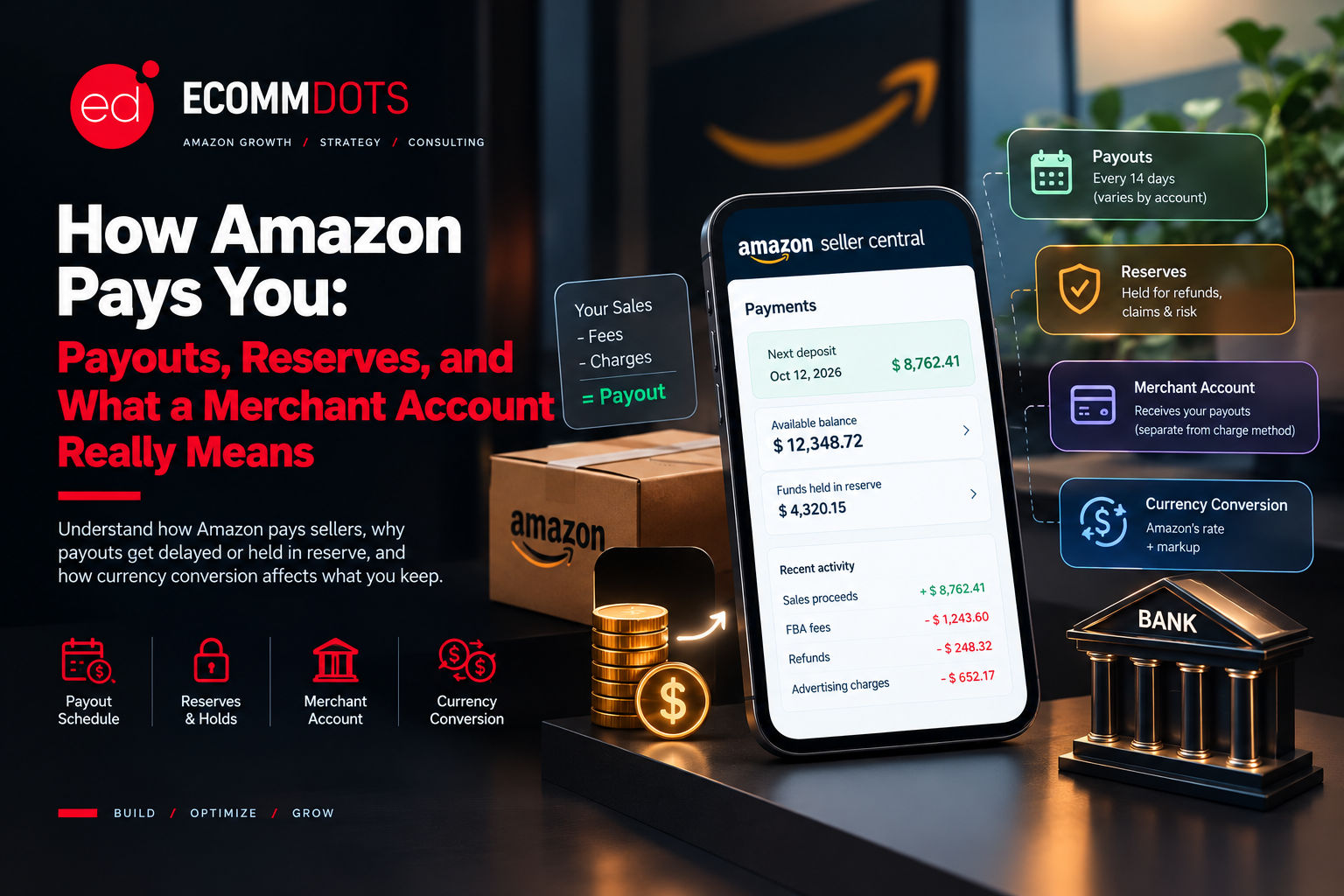
How Amazon Pays You: Payouts, Reserves, and What a Merchant Account Really Means
People search for an Amazon merchant account for two different reasons. Some use the phrase loosely to mean the seller account itself, the thing you register to start selling. Others mean it in the payments sense, the account that receives your money. This post covers both, because the second meaning is where sellers most often get surprised: when the money arrives, why it sometimes does not, and how much of it is left after Amazon and your bank have taken their share.
If You Meant Setting Up an Account to Sell
If you are looking to register and start selling, that is a seller account, and the steps, documents, and plan choices are covered in our guide to becoming an Amazon seller. The rest of this post is about the payments side, which only starts to matter once the account exists and orders begin to come in.
What a Merchant Account Means on Amazon
In general e-commerce, a merchant account is a bank-linked account that lets a business accept card payments, and sellers who run their own website normally need one or use a payment provider that supplies it. On Amazon you do not set that up yourself. Amazon takes the customer's payment, processes it, and later pays you your share. What you manage in Seller Central is the other end of that flow: where Amazon sends your money and which card Amazon charges for your seller fees.
Deposit Method and Charge Method
Seller Central uses two separate payment settings, and mixing them up is a common source of confusion. The deposit method is the bank account that receives your payouts. The charge method is the credit card Amazon bills for fees it cannot take out of your sales proceeds, such as your monthly subscription if your balance does not cover it. They do not have to be related, and a payout problem usually traces back to the deposit method, not the card.
How Amazon Actually Pays Sellers
Amazon typically calculates your balance and sends a payout about every 14 days. What it sends is your sales minus referral fees, FBA fees, refunds, advertising charges, and anything else owed, and your Payments dashboard in Seller Central shows the next scheduled date, your available balance, and any funds held back. After Amazon initiates the transfer, your bank commonly takes a further three to five business days to credit it, so the date on the statement is not the date the money is spendable.
There is also a delay before an order's proceeds even become eligible. Amazon generally holds the money from a sale for a period after delivery, commonly cited as around seven days, and its policies on this have changed more than once, so check the current terms in your own Seller Central settings instead of relying on a number from an article. For a brand new seller, the practical result is that the first deposit can arrive roughly a month after the first sale.
What a Reserve Is and Why It Happens
An account level reserve is an amount Amazon holds back as a buffer against refunds, A-to-z Guarantee claims, and chargebacks. Reports from sellers and payment providers describe holds that last anywhere from 14 to 90 days, and the amount and the trigger depend on factors such as your sales history, return rates, and customer complaints. Because it is tied to performance, a spike in returns or a run of claims can start a reserve even on an account that has been paying out normally for months.
This is why the account health work covered in our Account Health guide has a direct cash flow cost. A reserve is not a fee, since the money is eventually released, but it removes working capital from your hands at exactly the moment you may need it, and Amazon decides the timing, not you.
Other Reasons a Payout Is Late or Smaller Than Expected
Changing your deposit bank account is a frequent cause. Amazon can pause payouts to a newly added account for a short verification window, reported as up to 14 days, so it is worth switching banks only when you have a gap in your cash needs. Refunds, chargebacks, and unpaid advertising or storage fees are all deducted automatically before the payout is calculated, which means a month of heavy ad spend or returns shows up as a smaller deposit, not as a separate bill. Reading the settlement report line by line each cycle is the quickest way to see where the difference came from.
Currency Conversion for Sellers Across Marketplaces
Sellers who sell in one currency and bank in another, which describes many sellers outside the US and anyone running US, UK, and EU marketplaces together, face a second cost. If your deposit account is in a different currency, Amazon converts the funds using the Amazon Currency Converter for Sellers, and that conversion includes a markup compared with the mid-market exchange rate. Amazon has also introduced a Seller Wallet that lets some sellers hold balances in several currencies, though availability has been limited and has changed over time.
The practical way to judge the cost is to take one real payout and compare two outcomes: the amount Amazon's converter would deliver, and the amount you would receive by collecting in the original currency through a multi-currency receiving account and converting it yourself, after that provider's fees. Across a full year of payouts, even a small difference per transfer adds up.
How to Set Up or Check Your Deposit Method
1. Log in to Seller Central and open Settings, then Account Info.
2. Select Deposit Methods and add the bank account that should receive payouts, making sure the account holder name matches your seller registration.
3. Confirm that the bank is in a country and currency Amazon supports for your marketplace.
4. Check the Payments dashboard for your next disbursement date, current balance, and any reserve.
5. Avoid changing the bank account right before a large payout is due.
The Bottom Line
An Amazon merchant account is less a thing you open than a flow you manage: money in from customers, fees and holds taken out, and a payout that arrives later than the sale and smaller than the headline number. Sellers who plan inventory purchases around the real payout timeline, watch for reserve triggers, and check what currency conversion is costing them keep far more control over their cash than those who treat the sale date as the payday.
Payouts delayed, funds held in reserve, or not sure what conversion is costing you? Talk to the Ecommdots team and we will help you trace where the money is.