Amazon FBA Inventory Management: How to Stop Losing Money on Stock
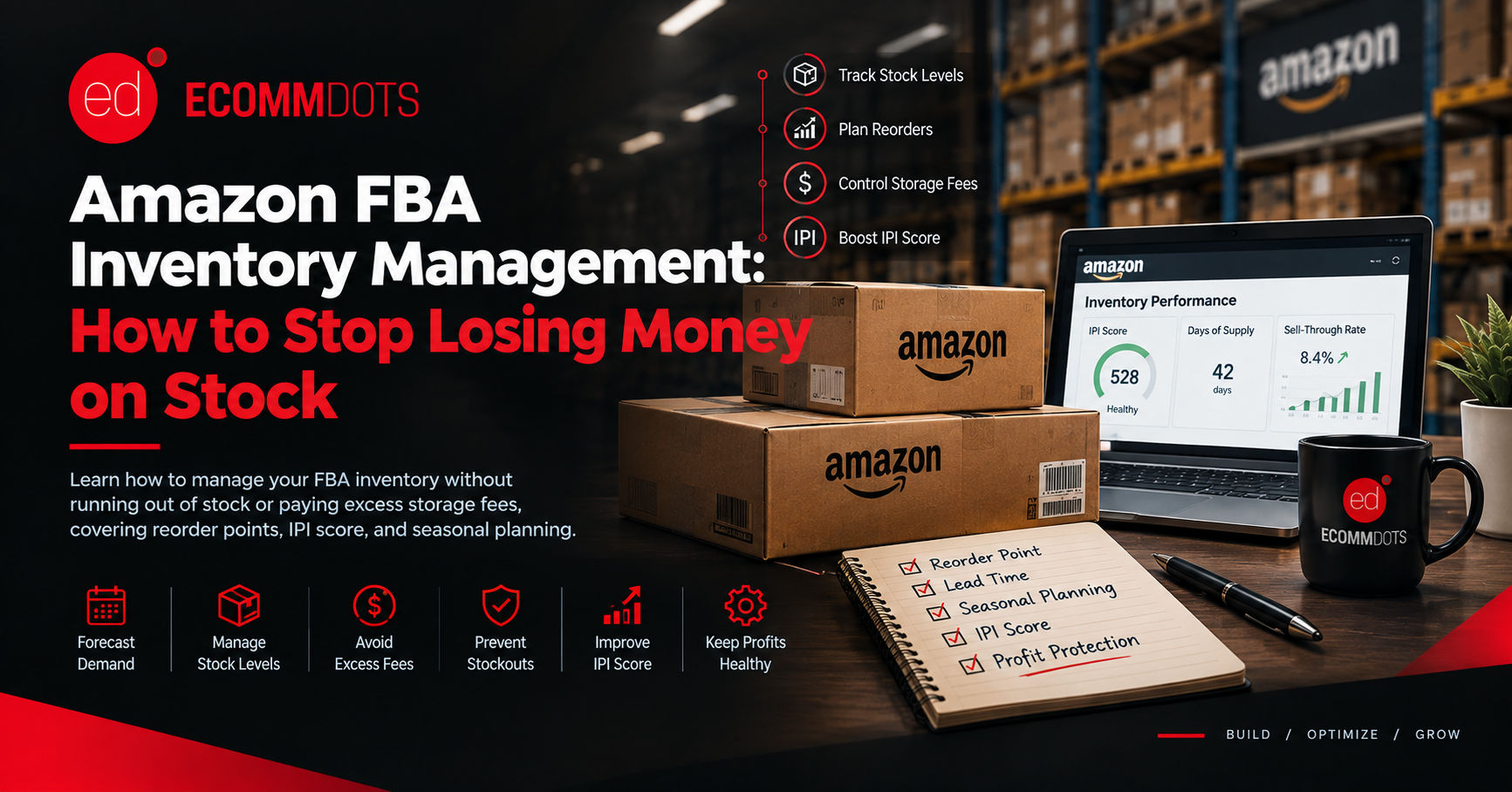
Amazon FBA Inventory Management: How to Stop Losing Money on Stock
Amazon FBA inventory management is where a lot of otherwise solid sellers lose money without noticing. Run out of stock and you lose sales, ranking, and the review momentum you built. Send in too much and storage fees quietly eat the margin instead. Both mistakes come from the same root cause: ordering inventory based on a guess instead of a system.
Why This Is Harder Than It Looks
Unlike a store you control yourself, FBA adds a time lag you have to plan around. Inventory has to be manufactured or sourced, shipped to Amazon, received and checked in at a fulfillment center, and only then does it become sellable. That lead time can run from a few weeks to a few months depending on your supplier and shipping method, which means the stock you are ordering today has to cover demand that will not show up until well into the future. Guess wrong in either direction and you pay for it.
The Core Numbers to Track
A handful of figures drive every reorder decision. Sell-through rate is how quickly a product is actually moving. Days of inventory remaining tells you how long current stock will last at the recent sales pace. Lead time is the total time from placing an order with your supplier to that stock being sellable on Amazon, including manufacturing, shipping, and Amazon's receiving process. Your reorder point is the inventory level at which you need to place a new order so the next batch arrives before you run out, and it should be based on your actual lead time and sales velocity, not a round number that feels safe.
Avoiding Stockouts
A stockout does more damage than a missed sale. Amazon's ranking algorithm weighs recent sales history, so a gap in availability can drop your organic ranking even after stock is replenished, and any paid campaigns pointed at that listing keep spending with nothing to sell. Build a buffer into your reorder point that accounts for lead time variability, not just the average, since a single delayed shipment or a customs hold can turn a comfortable buffer into a stockout. Seasonal spikes need their own forecast rather than an extension of your regular reorder math, since a demand surge around a holiday or promotion behaves nothing like a normal month.
Avoiding Excess Storage Fees
The other direction costs money just as surely. Amazon charges standard monthly storage fees based on the space your inventory occupies, and those rates increase substantially during the October through December peak. Inventory that sits unsold past a set number of days triggers long-term storage fees on top of that, specifically designed to discourage dead stock. If a product is moving slowly, the fix is usually smaller, more frequent shipments rather than one large one, even though that means paying for more individual shipments to Amazon's fulfillment centers.
Understanding Your Inventory Performance Index
Amazon scores FBA sellers with an Inventory Performance Index, commonly called IPI, which factors in excess inventory, sell-through rate, stranded inventory, and how often you go out of stock. A low IPI score can trigger storage limits on your account, directly restricting how much inventory you are allowed to send in, which makes the problem worse at exactly the time you have less room to fix it. Checking your IPI score regularly, not just when Amazon flags a problem, is part of basic account hygiene for any FBA seller carrying meaningful volume.
A Practical Reorder Process
1. Calculate your true lead time, including manufacturing, shipping, and Amazon's receiving process, not just the shipping transit time alone.
2. Track sell-through rate weekly for each SKU, since a sudden shift up or down changes your reorder timing.
3. Set a reorder point for each product based on lead time and recent velocity, with a buffer for variability.
4. Build a separate forecast for known seasonal periods instead of relying on your standard reorder math.
5. Review your IPI score and any long-term storage fee reports monthly, and act on slow-moving stock before the fees escalate.
6. Reassess the whole process after any major shift, like a new supplier, a changed lead time, or a big swing in ad spend that changes sales velocity.
The Bottom Line
Amazon FBA inventory management is less about any single tactic and more about replacing guesswork with a reorder point based on your actual lead time and sell-through rate. Sellers who run that process consistently rarely stock out and rarely carry the dead weight that triggers storage fees. The ones who do not tend to lurch between the two problems, often without realizing both come from the same gap in planning.
Not sure if your reorder points actually match your lead times? Talk to the Ecommdots team and we will review your inventory data and flag where you are at risk of a stockout or excess storage fees.