Amazon Canvas in Seller Central: What It Does and How Sellers Can Use It
Amazon Canvas in Seller Central: What It Does and How Sellers Can Use It
Most sellers open Seller Central, click through four or five reports, and still end up asking the same question: what is actually going on with my account? Amazon Canvas is the company’s attempt to answer that in one place. It is a free AI feature that turns a plain question into a visual dashboard built from your own sales data. Here is what it does, how to open it, and how to get real value from it without trusting it blindly.
What Amazon Canvas Is
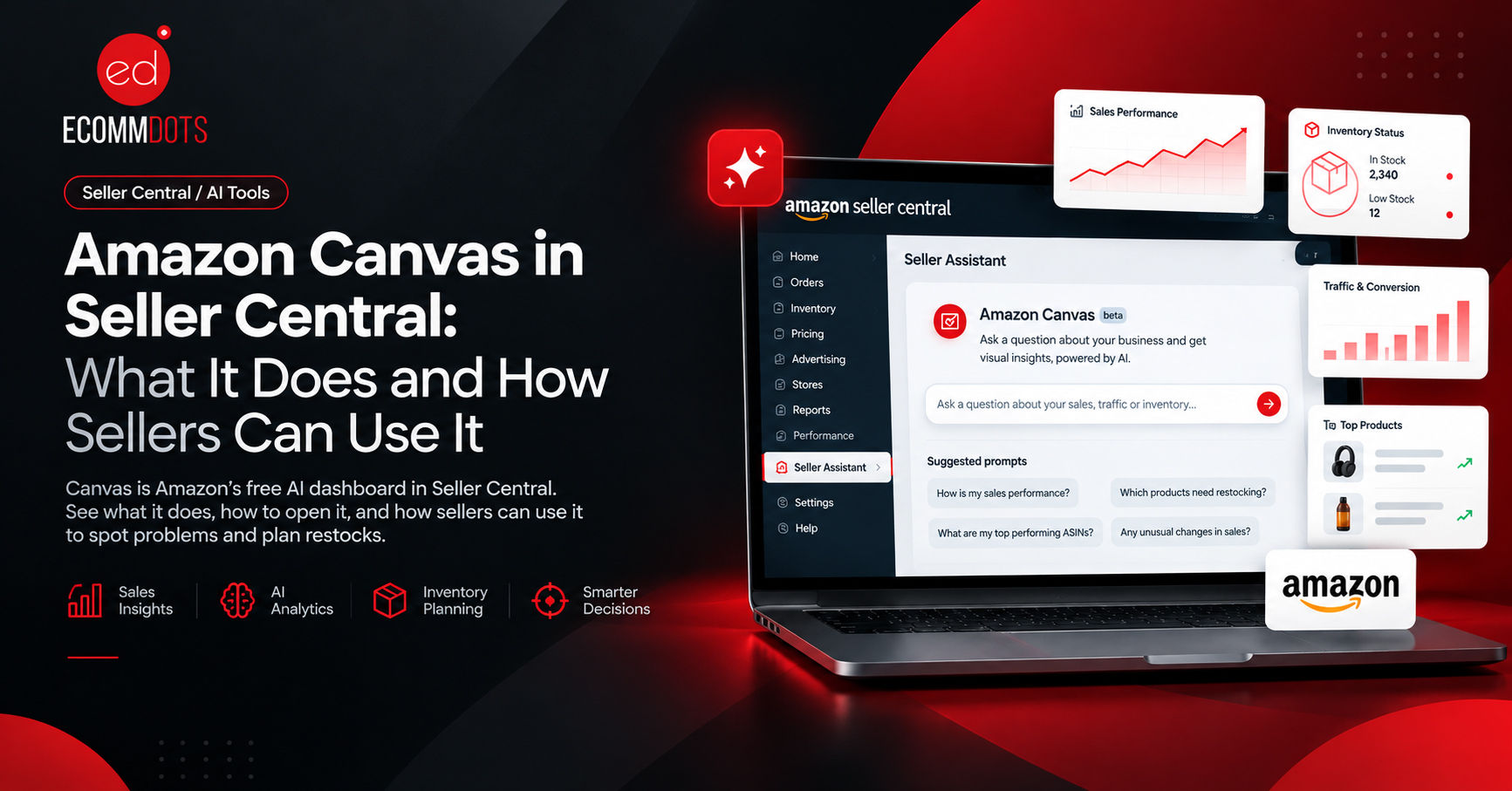
Canvas combines an AI chat with an interactive visual workspace. It works together with Seller Assistant, Amazon’s AI helper inside Seller Central, and it is built on the same system. Seller Assistant answers in text. Canvas goes a step further and draws the answer as dashboards that bring together your sales, customer traffic, and trends.
Amazon says it is available at no extra cost to sellers in the US and UK, with more countries and languages planned. Availability can depend on your marketplace and account, so the first step is simply to check whether you can see it.
How to Open It
1. Log in to Seller Central and make sure you are on the new Seller Central experience. If you see a toggle at the top of the page, switch it on.
2. Find Seller Assistant, the chat box on your home page.
3. Type a question, or pick one of the suggested prompts.
4. Seller Assistant builds a canvas for you. Ask follow up questions and the view updates without you pulling a new report.
What You Can Ask It
The best results come from specific questions. “Show sales” is vague. “Which products had the biggest drop in sales over the last 30 days?” gives Canvas something to work with. Amazon’s own example is “Can you analyze my sales performance?”, which returns a dashboard of sales, traffic, and trends. Sellers who have tried it also report good results with questions such as which products have declining conversions, which ASIN has the highest return rate, and what to restock.
You can also ask what if questions. For example, you can ask what happens if fulfillment costs rise, and the projection updates. Constraints can be added mid conversation, such as reducing spend or focusing on excess inventory.
How Sellers Can Benefit From It
You get answers faster. Normally, finding why sales dipped means opening Business Reports, filtering by date, exporting, and comparing. Canvas pulls sales, traffic, and product data into one view, so the first look takes minutes instead of an hour. That is useful for any seller, and especially for freelancers and agencies who check many accounts.
You get early warnings. Canvas flags changes in your account, such as a sales spike, and suggests a response, for example adjusting inventory before you run out. A spike you notice on day one is worth far more than one you notice at month end.
You can test inventory decisions before making them. Amazon describes a model that compares restocking now, delaying, or discounting, and shows the likely effect on revenue, cash flow, and stockout risk. Amazon lists this as an upcoming capability, so check whether it is live in your account. If it is, it is a safer way to plan a big purchase order than a guess in a spreadsheet.
Planning gets easier. Amazon also lists marketing planning, where you review campaign results and compare options, and product launch planning as upcoming features. These are worth watching, because they are the areas where sellers lose the most money to bad timing.
If you already track your numbers carefully, think of Canvas as a fast second opinion. If you do not, it is an easy way to start looking at your business as data instead of a feeling.
What Canvas Does Not Do Yet
It is decision support, not an autopilot. Reviewers who have tested it report that the data can lag by a day or two, that margin figures reflect Amazon fees rather than your product cost since you cannot enter your cost of goods, and that projections rely on past trends, so they can miss seasonality, competitor moves, and promotions. Check these points in your own account before relying on a number.
Seller feedback on Seller Assistant has also been mixed, with some sellers finding the advice generic. Treat a suggestion as a prompt to investigate. Before you cut ad spend, change a price, or remove inventory because Canvas suggested it, confirm the number in Business Reports or your Advertising console.
Does It Replace a PPC Specialist or an Agency?
No. Canvas tells you what happened and suggests where to look. It does not know your margins, your supplier lead times, your brand plan, or the competitor who just dropped their price. Deciding what to do about it still takes someone who understands the whole account. What Canvas does change is how quickly that person can get to the question that matters.
The Bottom Line
Canvas is a free, useful way to read your Seller Central data faster. Open it, ask specific questions, and compare what it shows against your standard reports. Used that way, it saves time and catches problems early. Used as a replacement for judgment, it will eventually mislead you.
Want help turning your Seller Central data into growth decisions? Talk to the Ecommdots team for an account review.